Official facts and product information checked on 18 October 2026.
The best device for SQE revision depends on the task you are about to do. A phone may make a short recall session convenient; a larger screen and keyboard may make substantial written practice more workable. The useful question is not which device is best in general, but which setting lets you attempt and review the next task properly.
- Use a phone for tasks that stay useful in a short or mobile session.
- Choose enough screen space and suitable input for reading sources and producing substantial written work.
- An app gives access to preparation; it is not the official examination interface.
Start with the task, then choose the screen
Before opening a resource, identify the output. Are you recalling a principle, reading an explanation, applying law to unfamiliar facts, producing legal writing or delivering an oral task? The answer determines whether portability, screen space, typing or a quiet room matters most.
A convenient device can still be an unsuitable setting for a particular session. If you know the session will be interrupted, choose a task that can be paused meaningfully rather than labelling fragmented work as an uninterrupted timed attempt. Record the conditions when they affect what the attempt demonstrates.
| Task | A useful starting choice | What to check |
|---|---|---|
| Flashcards and narrow recall | Phone or tablet. | Can you answer before revealing the card? |
| Short question set and explanation review | Phone, tablet or laptop. | Is there enough time to review rather than only select answers? |
| Reading several task documents | A screen large enough to inspect the material comfortably. | Can you navigate sources without losing your place? |
| Substantial legal writing or drafting | A suitable keyboard and comfortable workstation. | Can you produce and review the requested output? |
| Timed mock | A stable setup appropriate to the exercise. | Correct timing, materials and a protected block. |
| Oral practice | Suitable audio setup and a quiet space. | Can you speak, listen and preserve a review record appropriately? |
Use the FQPS account across supported devices
The FQPS mobile page explains current availability: Android phones and tablets have a Google Play app, and you can use the same account as the web platform. At the time of checking, the iOS app was coming soon and iPhone or iPad users could use the browser platform.
Sign in with the same account to continue with its access and progress. Check the current app page for any later release or device information rather than relying on an old screenshot of an app-store badge. Full materials and features depend on the plan attached to the account.
Make short phone sessions complete at their own scale
Choose a task that has a useful stopping point: explain one distinction, review one error or answer a short set with its explanations. End with a note of what the session revealed. A small completed review can be more useful to the next study block than a larger number of unreviewed selections.
For example, if a question exposes a condition you had overlooked, record that condition and the source you will revisit. Do not leave the next step as “do more questions”. The phone session should supply direction for the protected work that follows.
Use tablets and laptops for space, not assumptions
A larger screen may help you inspect a file and write at the same time, but the device does not decide how effectively you use the material. Start with the instruction, organise the sources and preserve the work completed at the stop time. Review the actual output afterwards.
For SQE2 written work, check the standard duration for the skill and the selected practice exercise. For the interview attendance note, the official sample specifies handwriting. A digital platform can support learning without reproducing every physical feature of the examination task.
Rehearse the official interface separately
Use the official SQE2 sample platform link for familiarity with Pearson VUE functionality, including legal research where relevant. The SRA also publishes specific copy-and-paste guidance. Do not assume the tools in a personal browser, phone app or provider platform are identical to the assessment system.
A provider app can be useful for access, practice and review without being the official test software. Keep that distinction clear in your preparation. Choose tasks for learning and independent rehearsal, and use the official resources to check examination-specific functionality.
Keep the handover between devices simple
- Before finishing, identify the next task and where its material is located.
- Use the same account rather than creating a separate one for each device.
- Check that your work has saved or synced as expected before changing devices.
- Label interrupted attempts and any guidance used.
- Return to a suitable protected block when the task needs it.
An internet connection is needed for sign-in, content access and progress syncing. This guide does not add an offline-download promise. Use device choice to make the next action easier, while keeping the demands of the assessment task in view.
Take the next revision task with you.
Explore the FQPS app and its current free practice options. Full access depends on your plan.
Frequently asked questions
Is the FQPS app available on Android tablets?
Yes, the currently published app information covers Android phones and tablets. Use the current Google Play listing and app page for device details.
Should I write SQE2 answers on my phone?
Choose an input method and screen that let you handle the sources and produce substantial work comfortably. A larger workstation may suit that task better, while a phone remains useful for shorter work.
Can I use the same FQPS account on the web?
Yes. Sign in with the same account to continue with its existing access and progress, using an internet connection for syncing.
Does the app reproduce Pearson VUE?
FQPS is an independent preparation platform. Use official platform practice for examination-interface familiarity as well as provider resources for learning and practice.
Continue your preparation
Sources and information checked
- FQPS app availability and free access
- Official SQE2 samples and Performance Indicators
- SRA: client interview and attendance note sample
- SRA: SQE2 copy-and-paste functionality
Information checked on 18 October 2026. Dates, booking details, assessment guidance and product availability should be rechecked before relying on them. Study routines are editorial suggestions. FQPS Academy is an independent preparation provider, not affiliated with or endorsed by the SRA or Kaplan.
Stay up to date
Never miss the latest SRA updates. Receive product updates, news and customer stories right into your inbox.

Keep reading
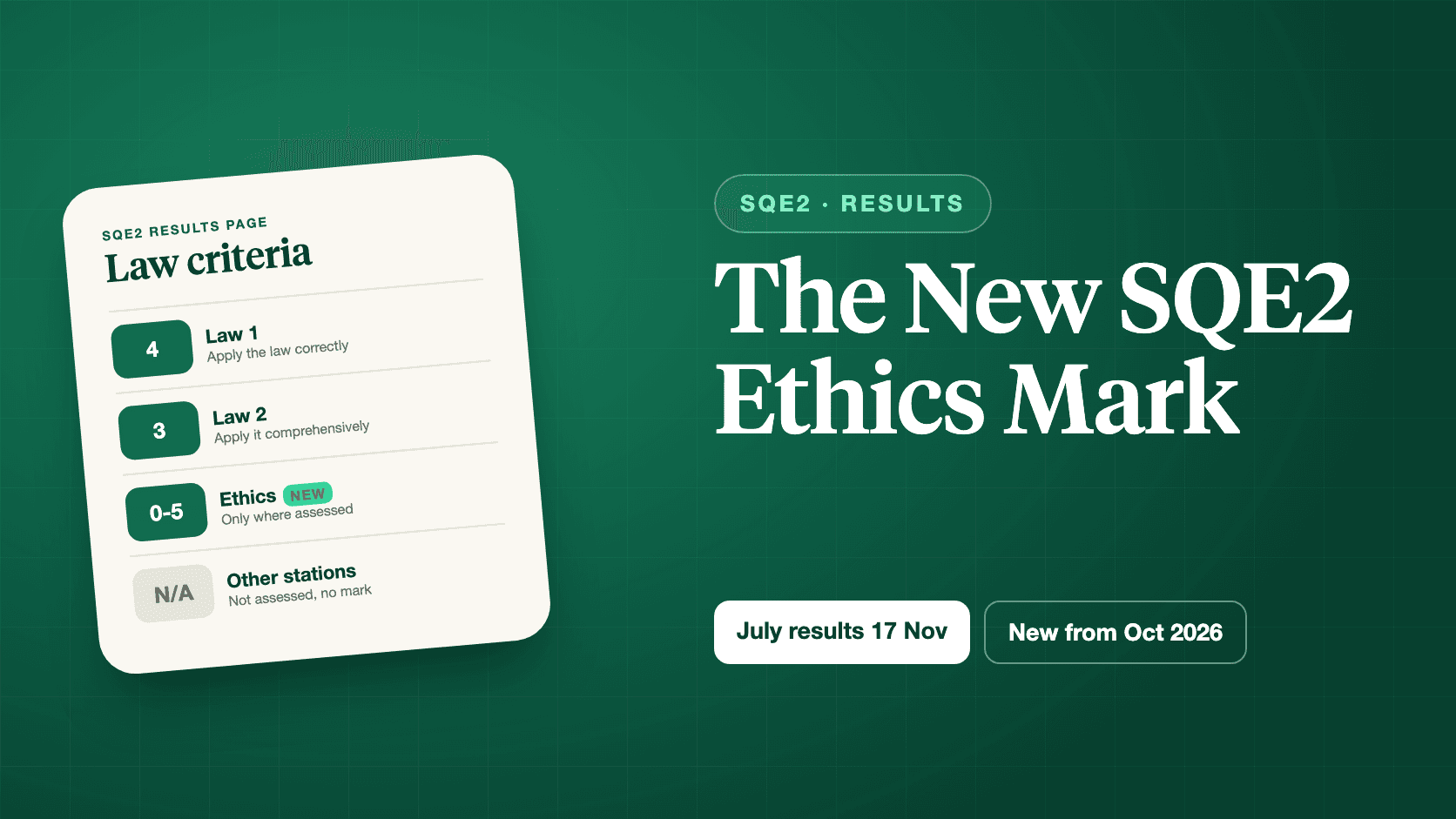
July SQE2 results arrive on 17 November in the old format. From the October 2026 sitting, a separate ethics mark appears. Who sees what, and how it adds up.
Read the article

No law degree, no training contract, and maybe no degree at all. How career changers qualify through the SQE, what the SRA data shows, and how to prepare.
Read the article

Make SQE revision over Christmas realistic with a two-week plan for short sessions, protected practice and review ahead of the January 2027 assessments.
Read the article